How to Launch an AI Agent in Under 5 Minutes
 Introduction
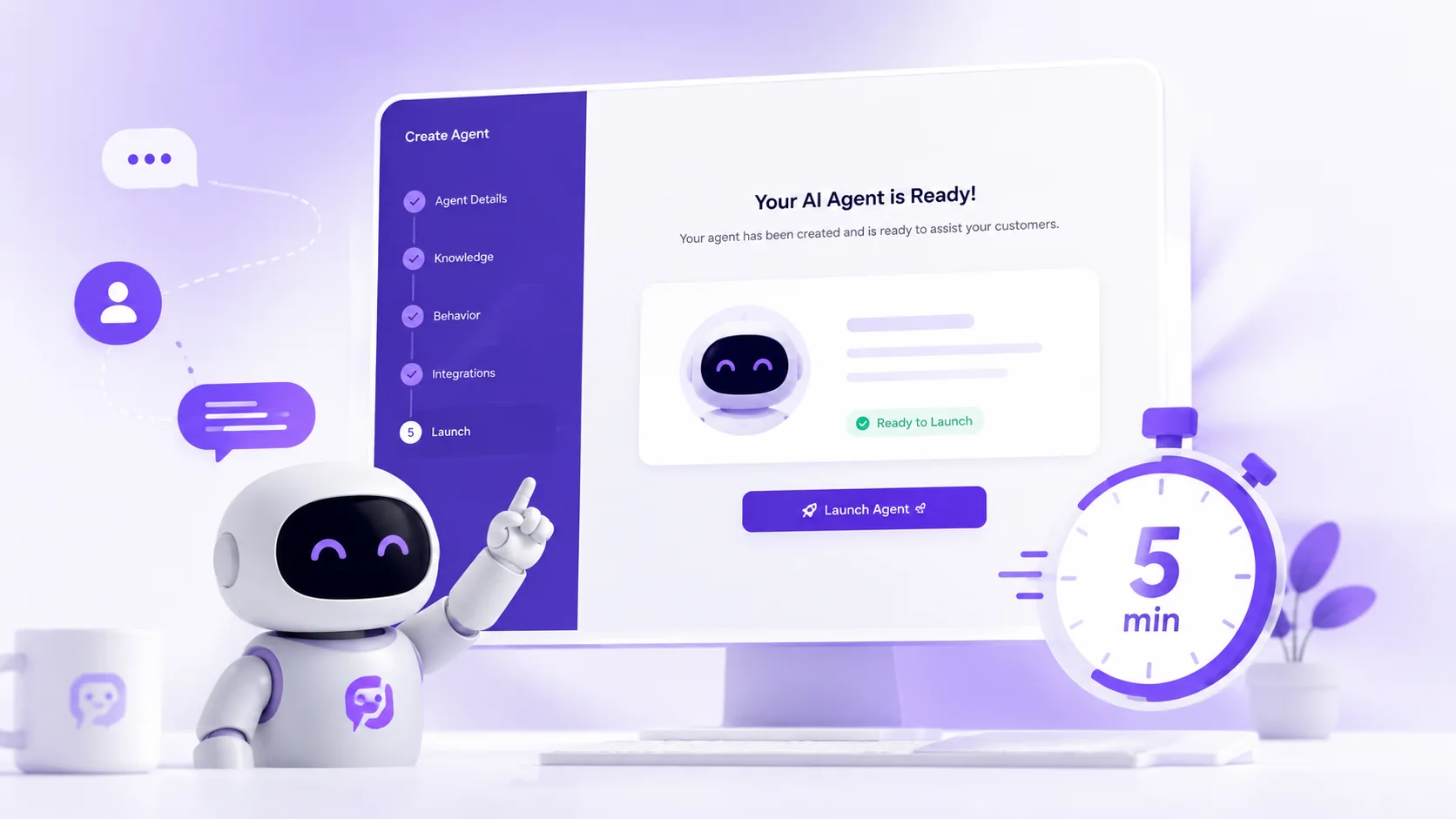
Launching an AI agent sounds like a big technical project — but it doesn't have to be. PersonaAI was built around instant setup: no code, no integrations to configure before you can start, and no scripts to write.
Here is the exact process, step by step.
Step 1: Create Your Account
Sign up with your email and tell PersonaAI what kind of business you run — a restaurant, a real-estate agency, an online store, or a service business. Your agent starts from a template already tuned for your industry.
Step 2: Feed It Your Knowledge
Point the agent at your website or upload your menus, price lists, FAQs, and policies. This becomes your agent's knowledge base — the source it uses to answer real customer questions accurately.
Step 3: Shape Its Personality
With Persona DNA you choose how your agent sounds: friendly or professional, formal or casual, factual or creative, with or without emoji. A boutique hotel and a telecom support line should not sound the same — and with personality training, they don't.
Step 4: Go Live
Copy one script tag into your website to launch the chat widget, connect WhatsApp, or share your agent's standalone chat link. That's it — your agent is answering customers.
What to Do After Launch
- Watch real conversations in the smart inbox
- Fill knowledge gaps the agent flags for you
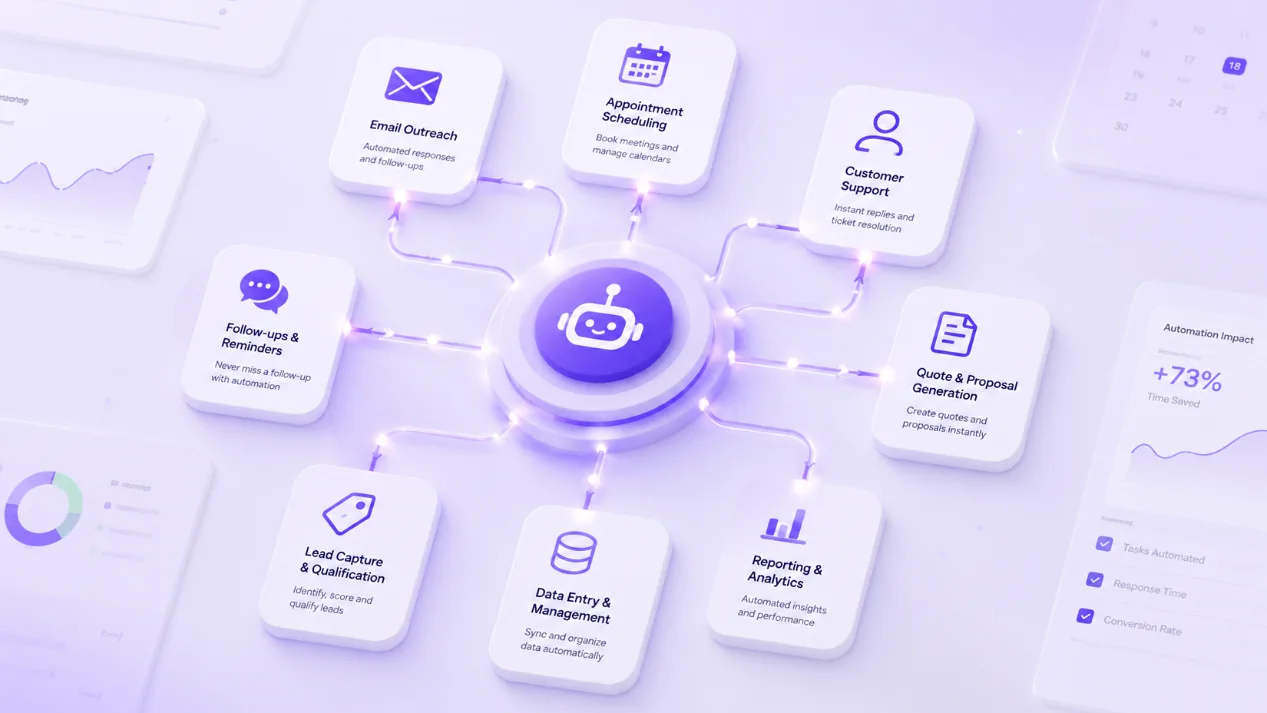
- Turn on lead capture so every conversation becomes a contact
- Connect your calendar for automatic appointment booking
- Review analytics weekly to see what customers ask most